
-
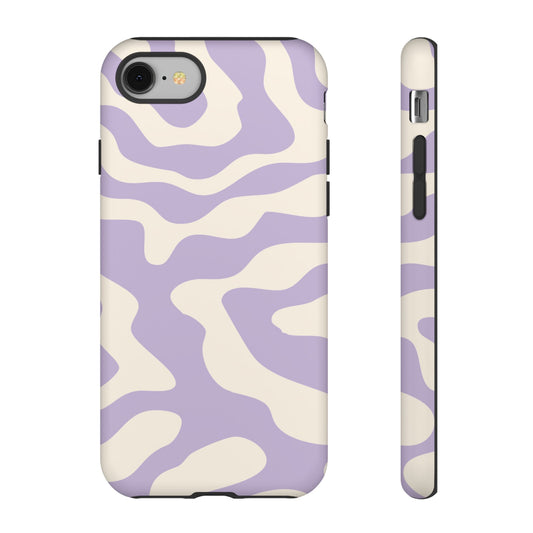
Lavender Swirl Phone Case
Regular price $39.95Regular price $39.95 Sale priceUnit price per -
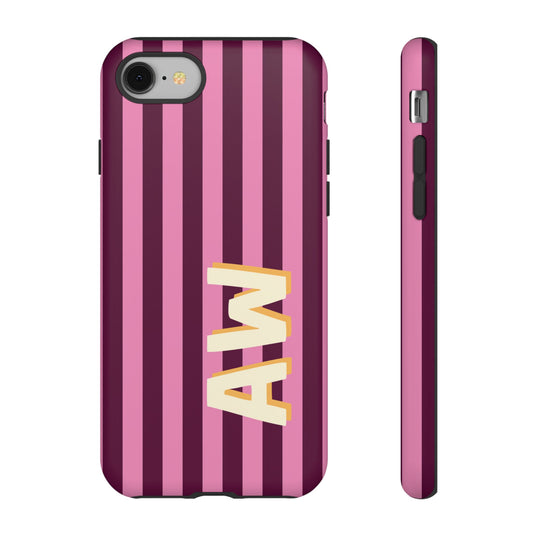
Bold Stripe Monogram Phone Case
Regular price $25.00Regular price $25.00 Sale priceUnit price per


One case per generation, not one case for four
Cases advertised as fitting several iPhone generations fit none of them well. Apple changes body dimensions by fractions of a millimetre and camera housings by rather more, so a shared-fit case compromises somewhere — usually the button feel, which goes mushy, or the camera cutout, which shadows the corner of ultra-wide shots.
Each case here is tooled for a single model. That also means the magnet ring sits where that generation's ring sits, so magnetic accessories align rather than clinging slightly off-centre and charging slowly.
Picking your model
The model is listed in Settings under General, then About. From there, pick a style: wallet, clear, MagSafe or protective. The phone case buying guide compares them.
Frequently asked questions
Will an iPhone 16 case fit an iPhone 17?
An iPhone 16 case will not fit an iPhone 17, because the camera housing and body dimensions changed between the two. Always match the case to the exact model.
Do Pro and standard models share cases?
Pro and standard models of the same generation do not share cases. The Pro has a larger camera array and a slightly different body size, so the cutouts do not line up.
How do I check which iPhone I have?
You check which iPhone you have in Settings under General, then About, where the model name is listed at the top. The model number is also on the SIM tray on some generations.
Do all these cases support MagSafe?
All the MagSafe-labelled cases here carry a full magnet ring positioned for that generation. Cases in other styles are listed individually, since not every material suits an embedded magnet array.